
Jump to content
View in the app

A better way to browse. Learn more.

The Network by Moraga

A full-screen app on your home screen with push notifications, badges and more.
To install this app on iOS and iPadOS
  1. Tap the Share icon in Safari
  2. Scroll the menu and tap Add to Home Screen.
  3. Tap Add in the top-right corner.
To install this app on Android
  1. Tap the 3-dot menu (⋮) in the top-right corner of the browser.
  2. Tap Add to Home screen or Install app.
  3. Confirm by tapping Install.

This event began 02/11/15 and repeats every year forever

(A/RES/70/212)

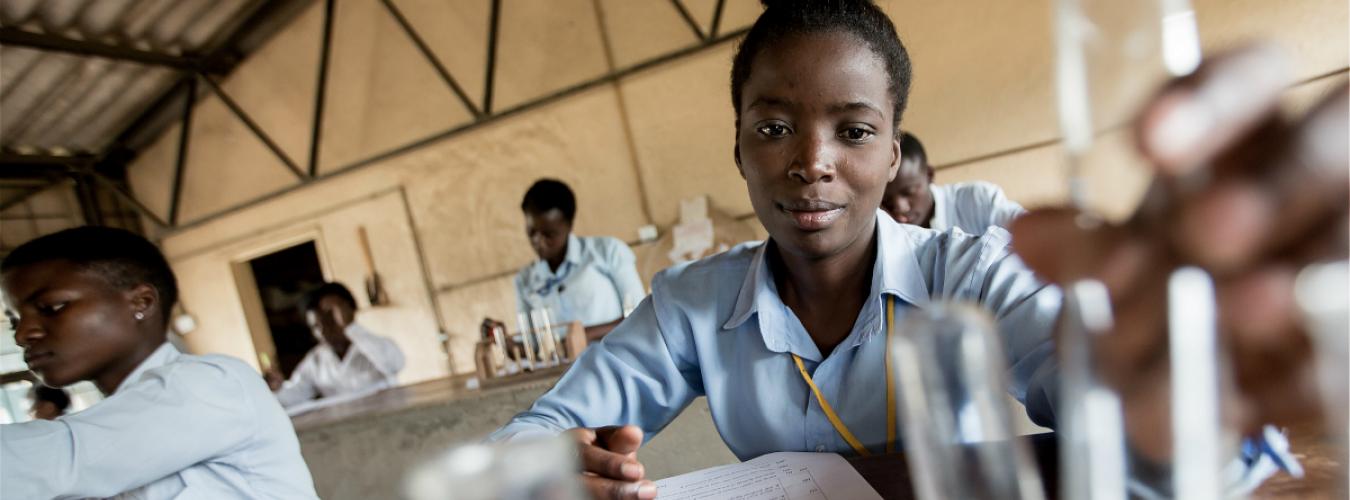
Science and gender equality are both vital for the achievement of the internationally agreed development goals, including the 2030 Agenda for Sustainable Development. Over the past decades, the global community has made a lot of effort in inspiring and engaging women and girls in science. Yet women and girls continue to be excluded from participating fully in science.

In order to achieve full and equal access to and participation in science for women and girls, and further achieve gender equality and the empowerment of women and girls, the United Nations General Assembly declared 11 February as the International Day of Women and Girls in Science in 2015.


Recommended Comments

There are no comments to display.

Join the conversation

You can post now and register later. If you have an account, sign in now to post with your account.
Note: Your post will require moderator approval before it will be visible.

Guest
Add a comment...

Configure browser push notifications

Chrome (Android)
  1. Tap the lock icon next to the address bar.
  2. Tap Permissions → Notifications.
  3. Adjust your preference.
Chrome (Desktop)
  1. Click the padlock icon in the address bar.
  2. Select Site settings.
  3. Find Notifications and adjust your preference.