Jump to content
View in the app

A better way to browse. Learn more.

The Network by Moraga

A full-screen app on your home screen with push notifications, badges and more.

To install this app on iOS and iPadOS
  1. Tap the Share icon in Safari
  2. Scroll the menu and tap Add to Home Screen.
  3. Tap Add in the top-right corner.
To install this app on Android
  1. Tap the 3-dot menu (⋮) in the top-right corner of the browser.
  2. Tap Add to Home screen or Install app.
  3. Confirm by tapping Install.

This event begins 09/29/20 and repeats every year forever

(A/RES/74/209)

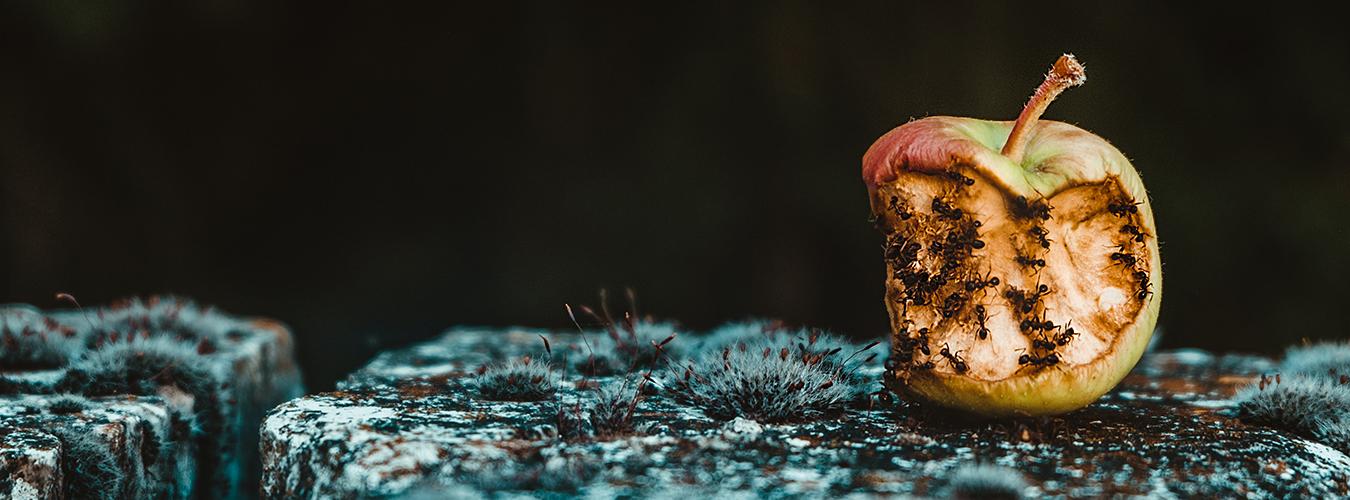
Reducing food losses and waste is essential in a world where the number of people affected by hunger has been slowly on the rise since 2014, and tons and tons of edible food are lost and/or wasted every day.

Globally, around 14 percent of food produced is lost between harvest and retail, while an estimated 17 percent of total global food production is wasted (11 percent in households, 5 percent in the food service and 2 percent in retail).

The International Day of Awareness of Food Loss and Waste is an opportunity to call to action both the public (national or local authorities) and the private sector (businesses and individuals), to prioritize actions and move ahead with innovation to reduce food loss and waste towards restoring and building back better and resilient-ready, food systems.

Check how you can help us through FAO, the leading agency for this International Day, and discover what you can do. Take action, start something. Stop food loss and waste. For the people. For the planet.


Recommended Comments

There are no comments to display.

Join the conversation

You can post now and register later. If you have an account, sign in now to post with your account.
Note: Your post will require moderator approval before it will be visible.

Guest
Add a comment...

Configure browser push notifications

Chrome (Android)
  1. Tap the lock icon next to the address bar.
  2. Tap Permissions → Notifications.
  3. Adjust your preference.
Chrome (Desktop)
  1. Click the padlock icon in the address bar.
  2. Select Site settings.
  3. Find Notifications and adjust your preference.