
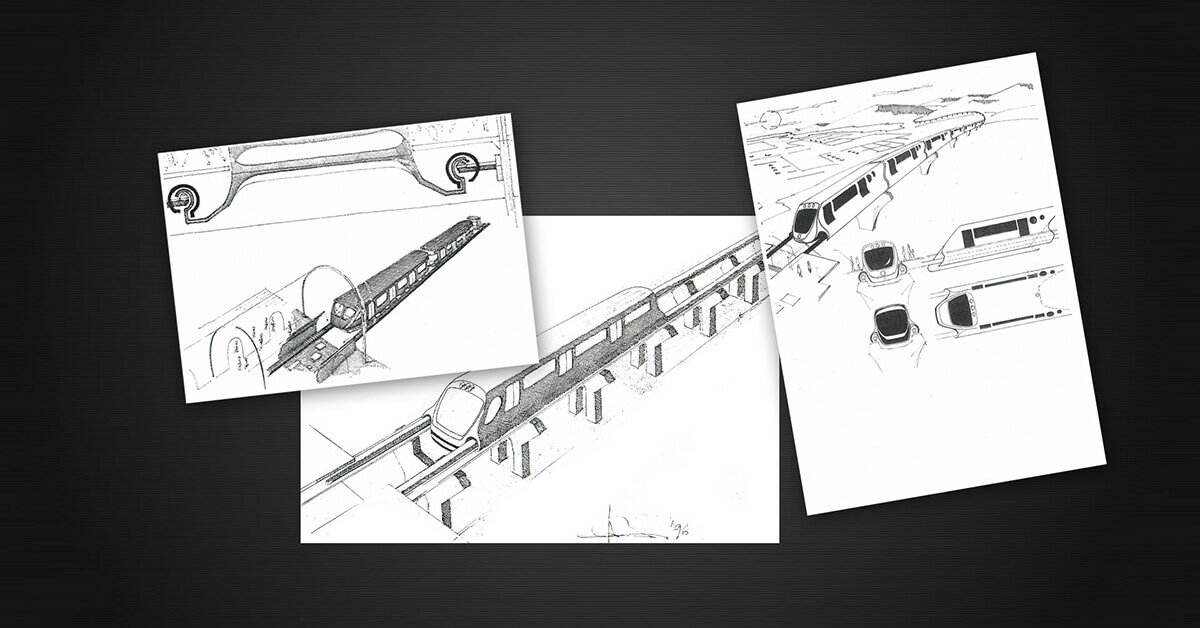

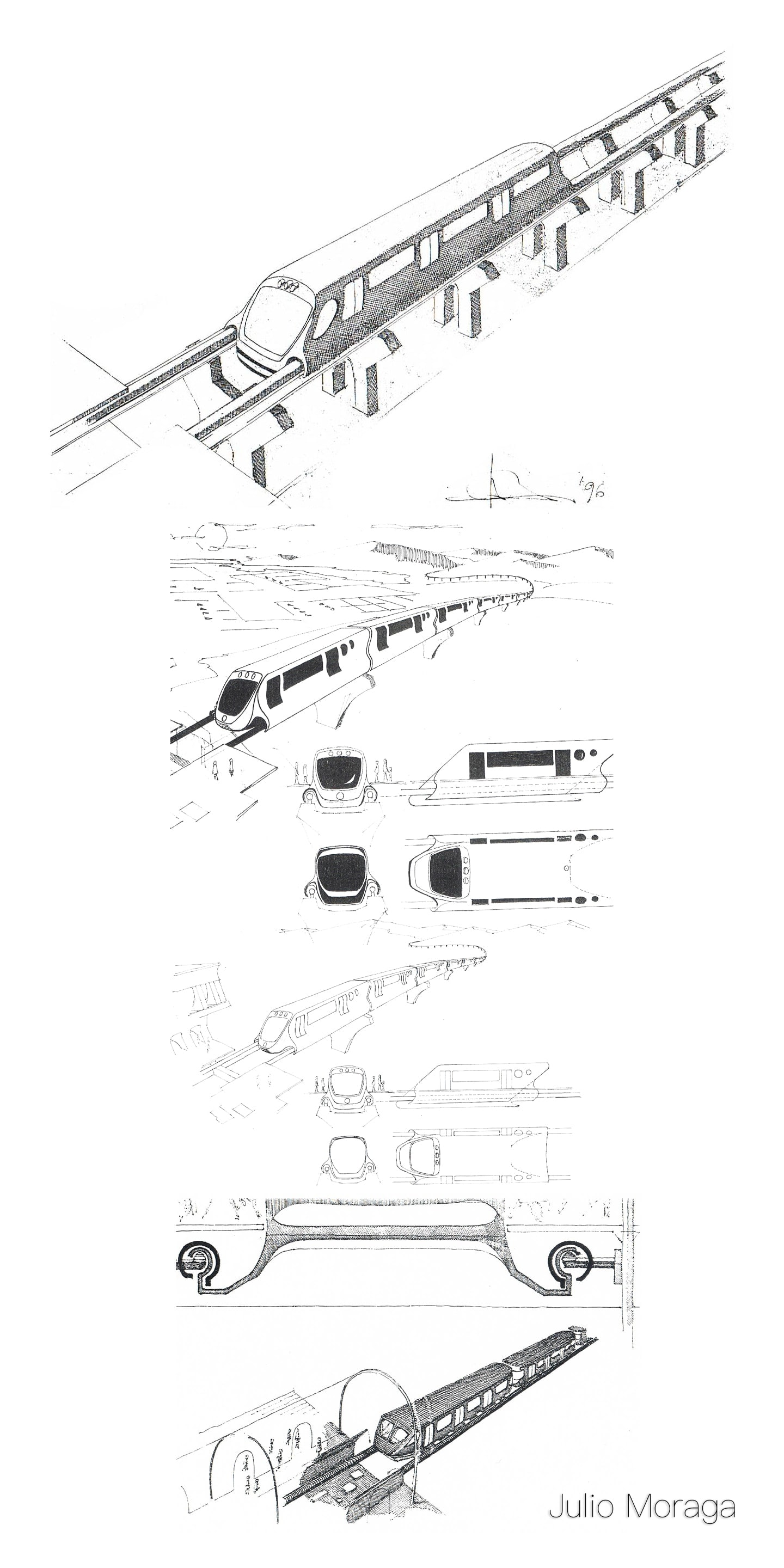
In the early 1990s, I spent several years drawing almost daily at an inventors’ workshop called Implementum. It all started when I met K-G Alsthed at a café while seeking technical support. He saw my drawings and invited me to test a drafting table at his workshop. Soon after, I became a regular visitor.
A few weeks in, K-G asked if I knew how to draw in CAD. The very next day, we went out and purchased a Pentium computer, a 24-inch screen, and the necessary software—plus a flight simulator, since K-G had been both a chemist and a pilot. That marked the beginning of a new phase.
An Englishman named Steve, who knew CAD well, helped me get started. Over time, I became quick and fluent in 3D modeling. Clients would sit next to me, describe their inventions, and leave with rendered images to present to investors.
The workshop was supported by the local municipality, but I worked independently. Eventually, I was entrusted with managing the space while K-G was away. I opened, closed, received visitors, and spent my days drawing. I appreciated K-G greatly—he trusted me, and despite our age difference, we spoke the same creative language.
He had always dreamed of a magnetic train and a water engine. He was surprised to see them fully drawn and animated. Sadly, his health declined, and he couldn’t continue. I helped him during his final months. Afterward, the workshop moved to Danderyd. But that’s another chapter.
Recommended Comments
Join the conversation
You can post now and register later. If you have an account, sign in now to post with your account.
Note: Your post will require moderator approval before it will be visible.